


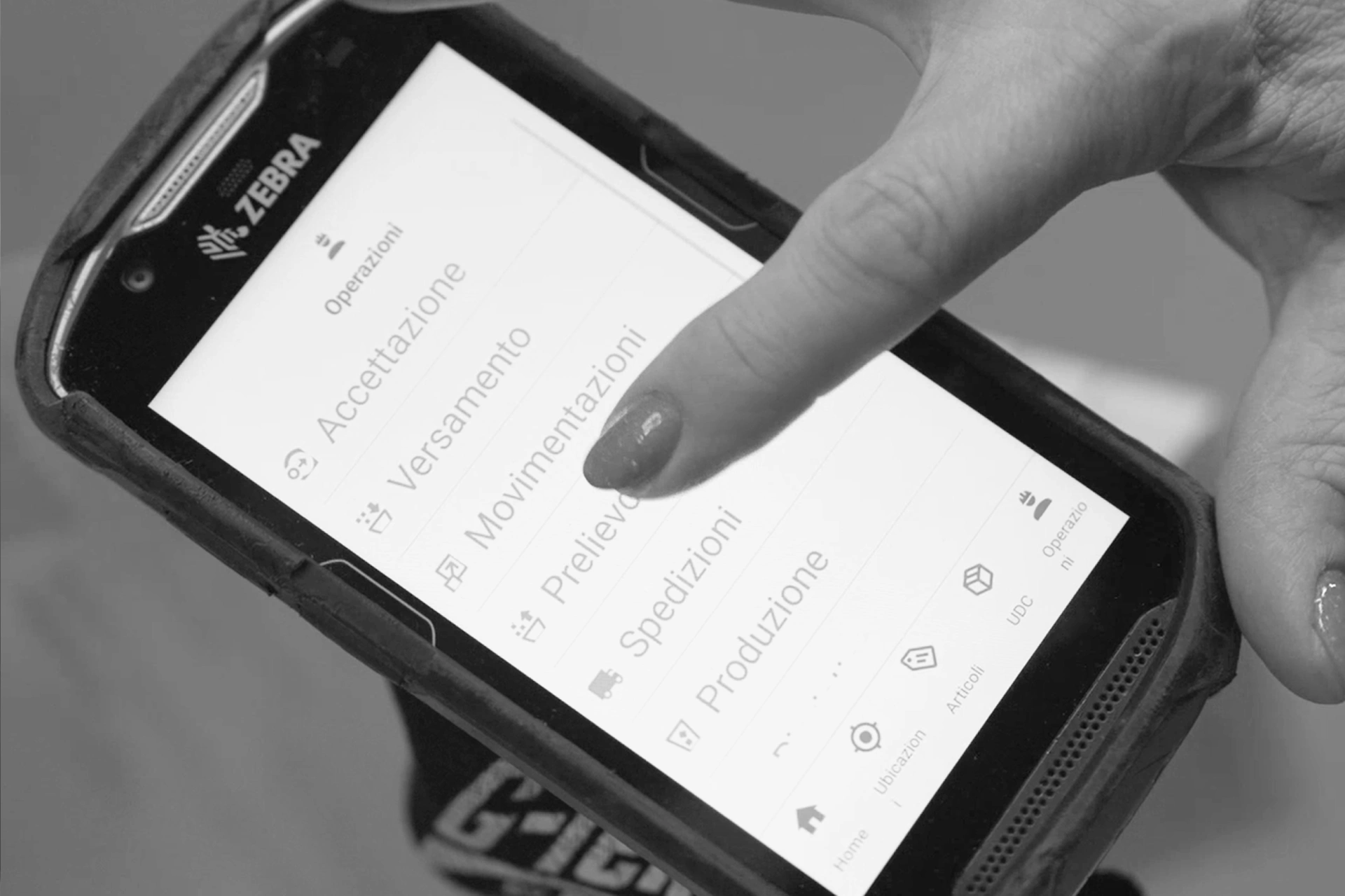
Managing a warehouse with a smartphone or Android tablet is no longer a novelty: it is the norm. Warehouse management apps have transformed the way operators and logistics managers work every day, making it possible to control flows, stock levels and shipments directly from the palm of your hand.
Not all warehouse apps are the same, however. Some offer basic features suited to small local operations, while others are fully fledged mobile WMS solutions designed for complex logistics environments. In this article we look at what a warehouse management app needs to be genuinely useful, which features are non-negotiable, and how to choose the right solution for your business.
What is a warehouse management app?
A warehouse management app is software installed on a mobile device (smartphone or tablet, Android or iOS) that allows the main logistics operations to be carried out and recorded directly in the field: goods receipt, storage, picking, inventory, dispatch and much more.
In more advanced environments, the app is not a standalone tool but the mobile terminal of a WMS (Warehouse Management System): the operator uses the device to receive missions, scan barcodes or RFID tags, confirm movements and keep the system continuously updated in real time.
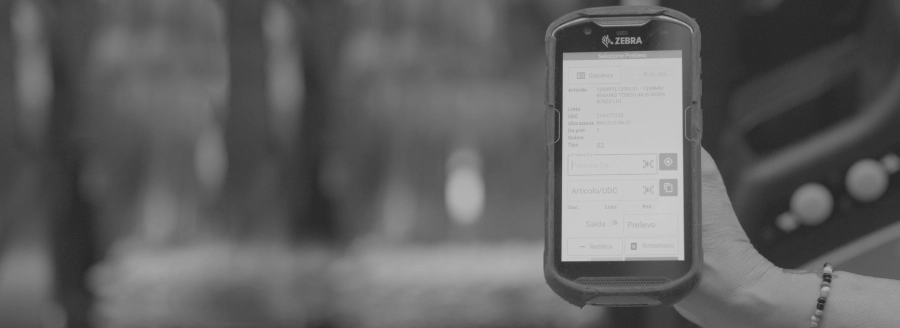
The 9 key features of a warehouse management app
A good warehouse app must cover the entire operational cycle of goods. Here are the features that cannot be missing.
- Barcode and QR code scanning
Barcode scanning is the foundation of any digitalised warehouse operation. The barcode app must support the main standards (EAN, Code 128, QR, DataMatrix) and work both with the device’s camera and with dedicated barcode scanners. In more advanced environments, RFID tag reading is added as well. - Goods receipt
The warehouse app must guide the operator through the inbound goods acceptance process: parcel verification, comparison against the purchase order, lot and expiry date registration, and discrepancy reporting. A good system updates stock levels in real time as soon as the receipt is confirmed. - Put-away (guided storage)
Once goods have been received, the warehouse app tells the operator where to place them, optimising space utilisation according to the slotting rules defined in the WMS. This reduces put-away time and minimises location errors. - Picking
This is the most critical function from a productivity standpoint. The app must support different picking modes (by order, by wave, by zone) and guide the operator along the most efficient route, reducing travel distance and order fulfilment times. - Packing and dispatch verification
Before dispatch, the app allows the operator to verify that what has been prepared matches exactly what was ordered, drastically reducing dispatch errors. - Shipment management
From printing carrier labels to generating the transport document, the app must cover the outbound goods flow and integrate with the main carriers or with a TMS. - Inventory
An effective warehouse inventory app allows cycle counts or spot checks to be carried out directly on the mobile device, scanning products location by location and reconciling data in real time with the management system. - Location management
The app must know the warehouse layout in detail: aisle, rack, level, position. Every movement must be associated with a precise location to guarantee full goods traceability. - Dispatching and mission management
In a WMS environment, the app receives missions assigned by the system and presents them to the operator in priority order. Intelligent dispatching optimises workload distribution across multiple operators and reduces idle time.
silwa mobile: the best Android WMS app for user experience
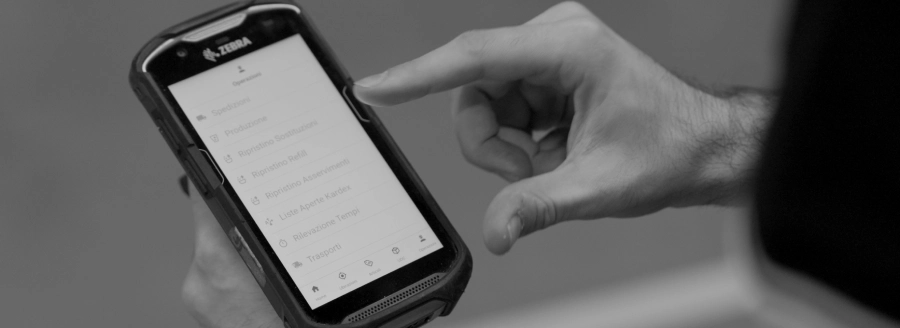
silwa mobile is the application developed by Stesi as the operational terminal for the silwa WMS. Designed to run on mobile devices including Android and iOS smartphones, tablets and wearables, it guides the operator through every phase of the logistics flow: from goods receipt through to dispatch, covering storage, picking, packing and inventory.
The warehouse app integrates natively with all silwa WMS features, including connections to automated systems (AGVs, vertical storage units, shuttles), portable label printers and industrial barcode scanners. Every operation carried out by the operator is synchronised in real time with the central system, ensuring stock levels are always up to date and full traceability is maintained. The system can use both Wi-Fi and cellular connectivity, guaranteeing reliable performance in any environment, including outdoor logistics areas and temporary logistics sites such as mobile worksites.
“Today the silwa user interface is essentially the same as any consumer app in terms of simplicity for the people using it. This has made the learning curve incredibly short.” ⁓ Stefano Cudicio, President of Stesi and Professor of Business Information Systems
Stesi’s software developers have built a modern, intuitive interface into the silwa warehouse management app, delivering a consumer-grade user experience. Inspired by the everyday apps we all use on our smartphones, it is highly intuitive and dramatically reduces onboarding and training time for new operators. When warehouse management apps are user-friendly, they are easy to engage with, and the learning curve is short even for operators who are least comfortable with technology.
The design philosophy behind silwa is UX, or user experience. And as a rule, the experience is positive when using a piece of technology is simple, immediate and does not cause frustration or slow down operational work. With software solutions like silwa from Stesi, a new warehouse operative is up and running on picking activities within 2 to 3 days. Within less than a week, they are fully autonomous across all warehouse operations.
Managing flows is getting simpler
A native warehouse management app makes a real difference compared to a web app or an emulated solution. The reason is concrete: industrial Android terminals (Zebra, Honeywell, Datalogic and others) provide proprietary SDKs, such as DataWedge on Zebra devices, that allow a native app to integrate directly with the device’s hardware barcode scanner, delivering faster, more reliable scans that work even in challenging conditions (bright light, damaged barcodes, variable distances). A web app, running in the browser, cannot access these SDKs and is limited to the device’s camera, with lower performance in high-intensity usage environments. For anyone working in a warehouse with hundreds of scans per day, this difference translates directly into time saved and fewer operational errors.
Like any application, a warehouse management app must be installed on an up-to-date smart device that supports the operating system. Once that first step is done, using the app is straightforward: the smart device becomes a convenient scanner for reading product barcodes. Those codes are manageable through the app’s library, just as all other warehouse operations (picking, inventory counts, dispatch and more) are simple to handle through the same interface.

FAQ
What is a warehouse management app?
It is software installed on a smartphone or tablet that allows the main logistics operations to be carried out in the field: goods receipt, storage, picking, inventory and dispatch. In more advanced solutions, it is the mobile terminal of a WMS.
What is the best warehouse management app?
The best warehouse management software depends on the size and complexity of the warehouse. For simpler operations, standalone solutions exist. For structured warehouses, the best choice is an app integrated with a professional WMS, which guarantees real-time traceability, location management and integration with ERP systems and automated equipment. One of the best warehouse management apps on the market for its completeness and user experience is silwa by Stesi.
Can a warehouse app read barcodes?
Yes. Native warehouse management apps support barcode scanning via camera or dedicated scanners, and in more advanced solutions also RFID tag reading.
Do free warehouse management apps actually work?
It depends on the context. Free or freemium apps can be a valid solution for simple operations: a small local shop, a warehouse with few SKUs and limited movements, or a business that only needs to digitalise basic inventory. When the warehouse grows in complexity, however, free solutions quickly show their limitations: no location management, no ERP integration, inability to manage lots and expiry dates, no guided picking and no real-time traceability. In these environments, relying on an inadequate tool generates errors, inefficiencies and hidden costs that far outweigh the initial saving on software. There are also WMS solutions developed specifically for SMEs, such as silwaGO.
Do inbound and outbound management apps exist?
Yes, and this is one of the most important functions a warehouse management app must handle. Loading and unloading operations break down into two distinct flows at the bays: inbound goods receipt (unloading) and outbound shipment management (loading). For unloading, the app guides the operator through verifying received parcels, checking against the purchase order or delivery note, registering lots, serial numbers and expiry dates, and flagging any discrepancies. For loading, it allows the operator to verify that what has been prepared matches the order exactly, digitally confirm what is being loaded onto the vehicle, and update stock levels in real time. An example of a loading and unloading management app is silwaSLOT.